Authentication Provider
UTXOS enables your application to support login with social OAuth providers. Users sign in with familiar authentication flows from platforms they already trust.
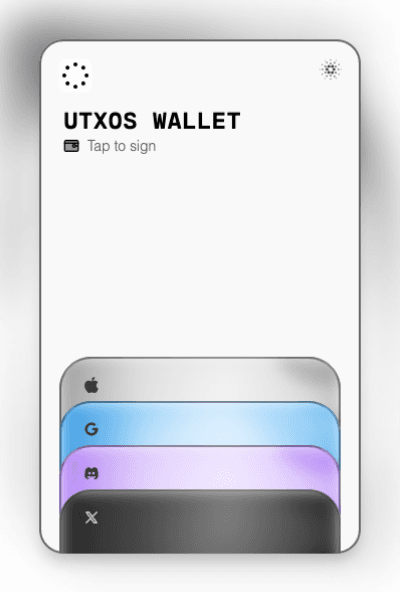
Supported Providers
| Provider | Plan Required | Custom OAuth | Third-Party Auth |
|---|---|---|---|
| Base (free) | Pro, Scale | Scale | |
| Discord | Base (free) | Pro, Scale | Scale |
| X (Twitter) | Base (free) | Pro, Scale | Scale |
| Email OTP | Base (free) | N/A | N/A |
All providers are available on the free Base plan using UTXOS default credentials. Custom OAuth credentials require Pro or Scale plans.
What authentication options are available?
UTXOS offers three authentication modes to fit your integration needs:
Default Authentication
Enable any provider directly from the UTXOS dashboard. Your users authenticate through UTXOS-managed OAuth credentials with no additional setup required.
- Available on all plans including Base (free)
- No configuration needed
- Enable/disable providers with a single toggle
Custom Authentication Provider
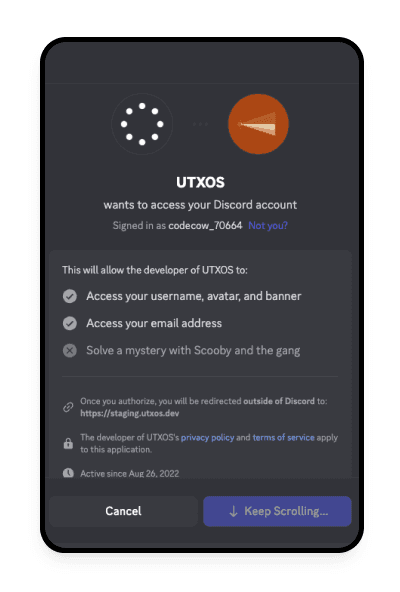
Use your own OAuth credentials to customize the login experience. This option gives you control over branding and permissions.
- Available on Pro and Scale plans
- Requires OAuth client ID and secret from the provider
- Full control over OAuth consent screen and requested scopes
Third-Party Authentication
For applications with existing OAuth2 authentication, pass your users’ refresh tokens to UTXOS to skip the authorization step entirely.
- Available on Scale plan only
- Seamless integration with existing auth systems
- No additional login prompts for users
Provider Setup Guides
Click a provider to view the complete setup guide:
Third-Party Authentication
For applications with existing OAuth2 authentication systems, see the Third-Party Authentication Guide for integration instructions.
Need Another Provider?
If you require a provider not listed here, contact us with your request. We actively expand our provider support based on community needs.